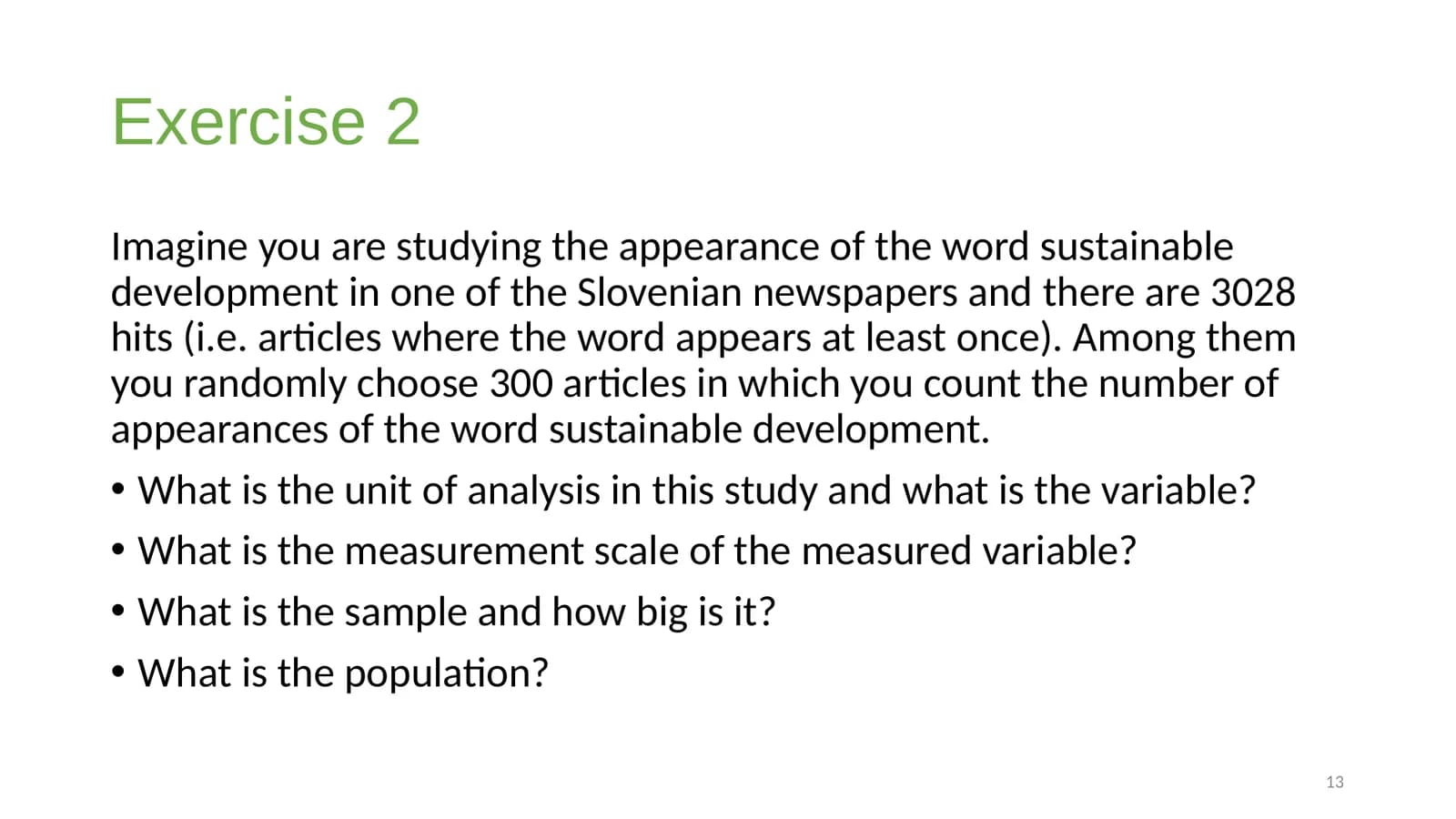
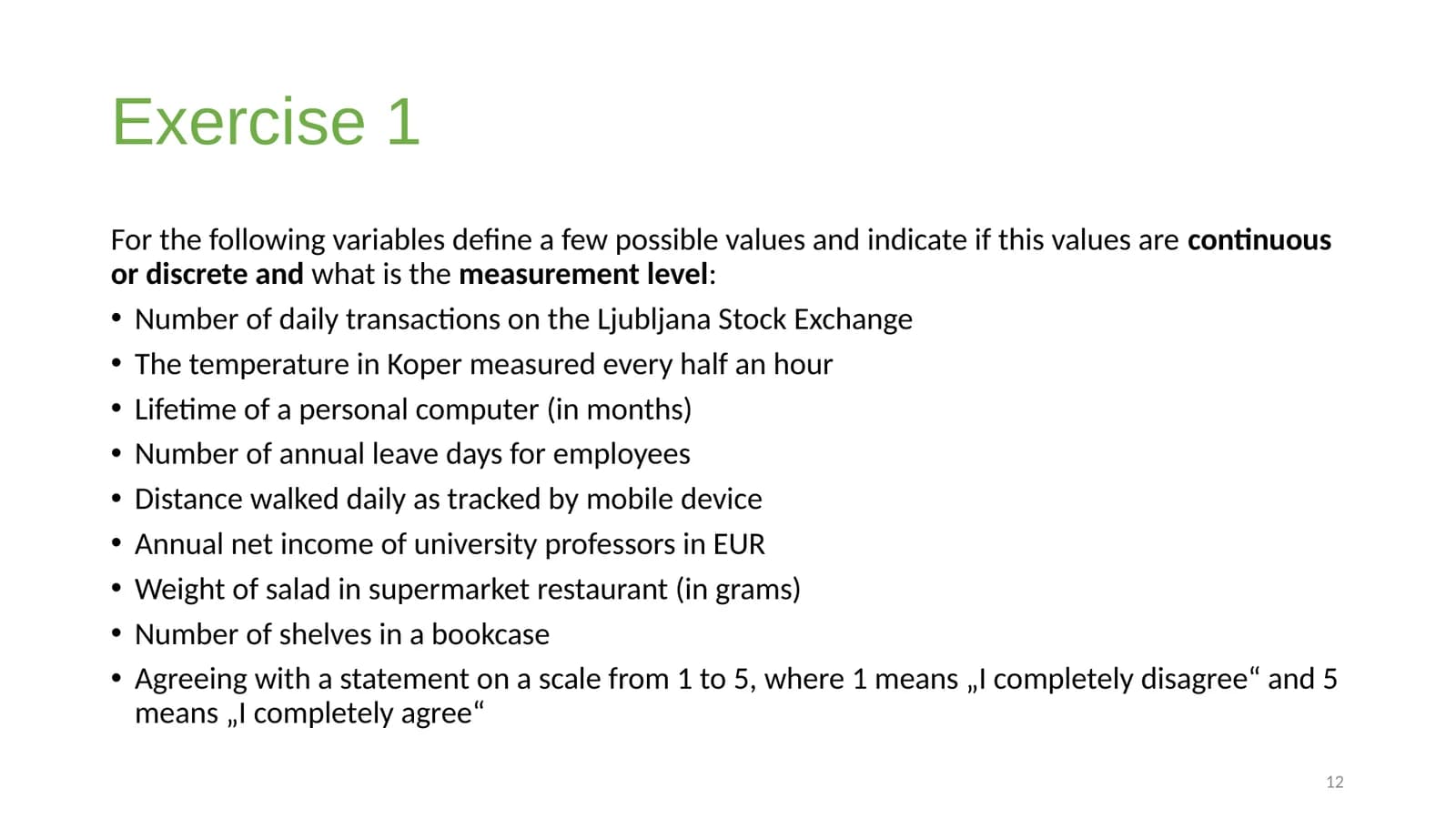
A title that doesn't describe the slide
The slide title is generic and does not summarize the content of the slide.
Update the slide title to clearly describe the exercise, for example, 'Exercise 1: Defining Variable Types and Measurement Levels'.
“Introduction to statistics”, a 16-slide PowerPoint lecture by Ana Slavec (University of Primorska), shared under CC BY 4.0. The findings and fixes below are the audit's own output.

Unresolved findings in 5 criteria checked in full or in part (23 findings, of which 0 critical); 10 of 55 criteria checked in full; 45 partly or not checked.
What the audit found in the criteria it checked. It is not a compliance status or a conformance claim.
Passed, with no findings: 1.1.1 Non-text Content (the deck has no pictures, so there was nothing to check), 2.4.4 Link Purpose (In Context), 3.1.1 Language of Page, 3.2.3 Consistent Navigation, 3.2.4 Consistent Identification.

The slide title is generic and does not summarize the content of the slide.
Update the slide title to clearly describe the exercise, for example, 'Exercise 1: Defining Variable Types and Measurement Levels'.

Text #70AD47 on #FFFFFF is 2.71:1; it needs at least 3:1.

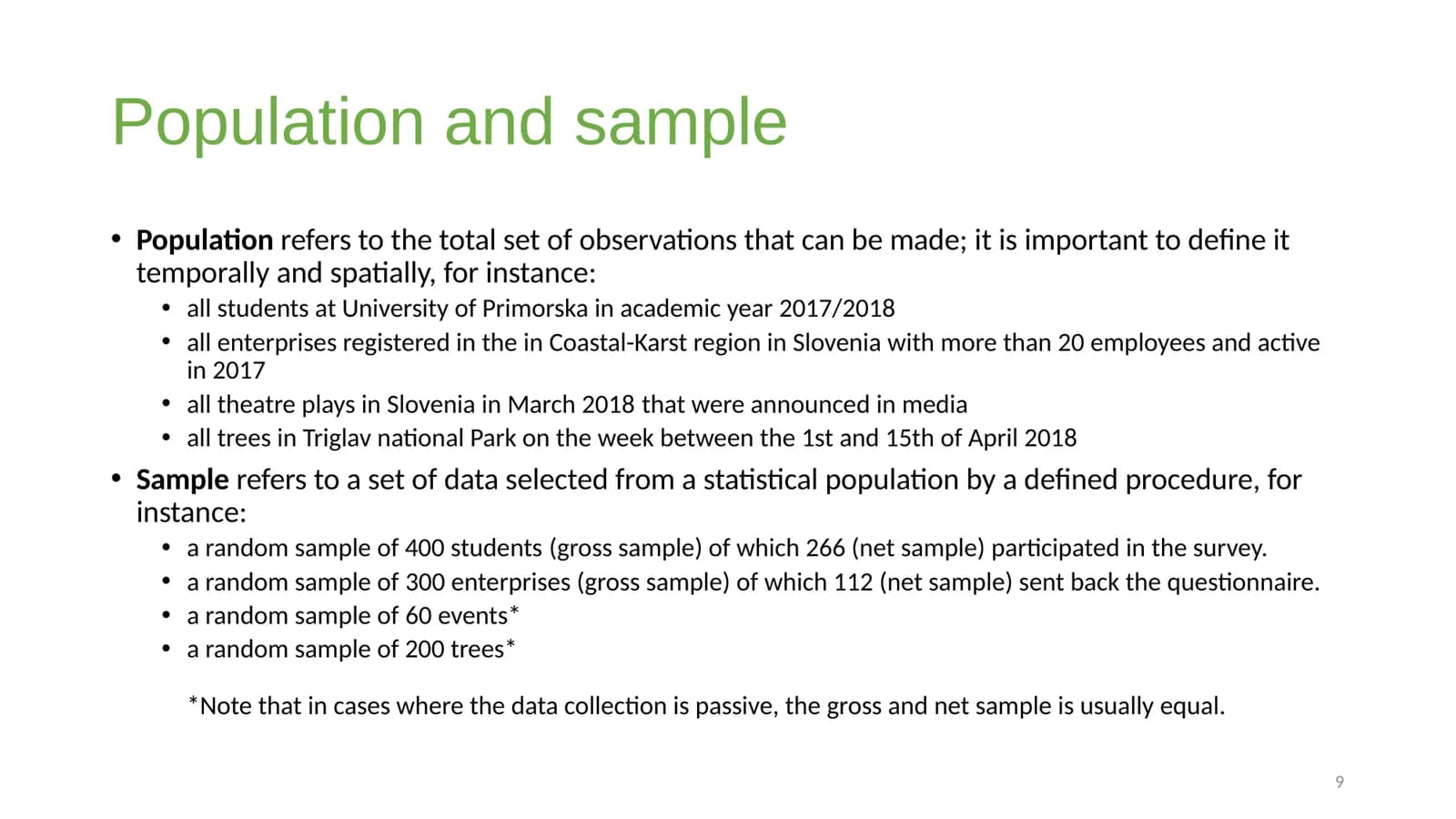
Slide 9 has text marked as sl-SI, not the presentation language (en-SI): "that were announced in media all trees in Triglav national Park on the week between the 1st and 15th of April 2018 (gro…" (sl-SI). If the words are in that language, the marking is correct; if they are not, the marking makes screen readers mispronounce them.

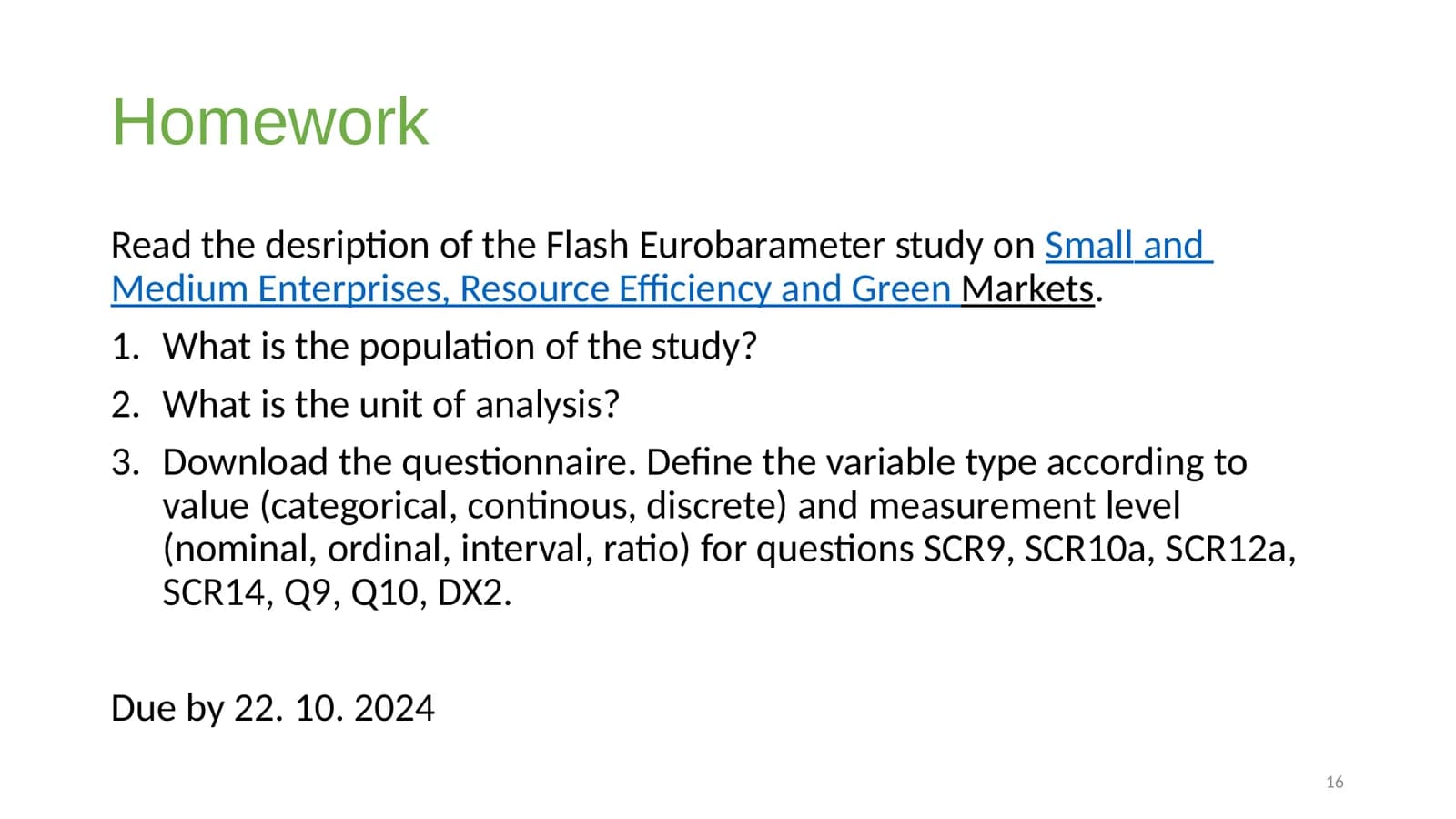
The homework instructions, though partially listed, contain distinct steps presented as paragraphs rather than list items.
Convert the distinct instructions and the due date into separate list items to improve the semantic structure and readability of the homework assignment.
Want this for your documents?
Talk to us23 findings in 5 criteria, in slide order.
Distinct pieces of information are presented as a single block of text instead of individual list items.
Convert the distinct information items into a bulleted or numbered list for better semantic structure and accessibility.
The homework instructions, though partially listed, contain distinct steps presented as paragraphs rather than list items.
Convert the distinct instructions and the due date into separate list items to improve the semantic structure and readability of the homework assignment.
The slide title is duplicated in a content placeholder, causing redundant information for screen reader users.
Remove the duplicate text from the content placeholder (shape 2) or ensure it serves a distinct purpose, to avoid repetition for assistive technologies.
The shape order in slide 2 differs from the visual (top-to-bottom, left-to-right) reading order. Screen readers may announce content in a confusing sequence.
Reorder the slide's shapes to follow the visual reading order: top to bottom, then left to right.
The slide title is duplicated in a content placeholder, causing redundant information for screen reader users.
Remove the duplicate text from the content placeholder (shape 2) or ensure it serves a distinct purpose, to avoid repetition for assistive technologies.
The slide title is duplicated in a content placeholder, causing redundant information for screen reader users.
Remove the duplicate text from the content placeholder (shape 2) or ensure it serves a distinct purpose, to avoid repetition for assistive technologies.
The slide number appears before the main content, disrupting the logical reading order.
Ensure the slide number is placed at the end of the slide's content in the reading order, or consistently placed outside the main content flow.
The slide title is duplicated in a content placeholder, causing redundant information for screen reader users.
Remove the duplicate text from the content placeholder (shape 2) or ensure it serves a distinct purpose, to avoid repetition for assistive technologies.
The shape order in slide 8 differs from the visual (top-to-bottom, left-to-right) reading order. Screen readers may announce content in a confusing sequence.
Reorder the slide's shapes to follow the visual reading order: top to bottom, then left to right.
Text #70AD47 on #FFFFFF is 2.71:1; it needs at least 3:1.
The slide title is generic and does not summarize the content of the slide.
Update the slide title to clearly describe the exercise, for example, 'Exercise 1: Defining Variable Types and Measurement Levels'.
The slide title is generic and does not summarize the content of the slide.
Update the slide title to clearly describe the exercise, for example, 'Exercise 2: Identifying Unit, Variable, Sample, and Population'.
The slide title is generic and does not summarize the content of the slide.
Update the slide title to clearly describe the exercise, for example, 'Exercise 3: Museum Visitor Study Analysis'.
The slide title is generic and does not summarize the content of the slide.
Update the slide title to clearly describe the exercise, for example, 'Exercise 4: Defining Variable Measurement Levels'.
Slide 1 has text marked as sl-SI, not the presentation language (en-SI): "2" (sl-SI). If the words are in that language, the marking is correct; if they are not, the marking makes screen readers mispronounce them.
Slide 7 has text marked as sl-SI, not the presentation language (en-SI): "occupation," (sl-SI). If the words are in that language, the marking is correct; if they are not, the marking makes screen readers mispronounce them.
Slide 8 has text marked as sl-SI, not the presentation language (en-SI): "You can do/calculate Nominal Ordinal Interval Ratio Frequency distribution Mode Order of values Median Mean Difference …" (sl-SI). If the words are in that language, the marking is correct; if they are not, the marking makes screen readers mispronounce them.
Slide 9 has text marked as sl-SI, not the presentation language (en-SI): "that were announced in media all trees in Triglav national Park on the week between the 1st and 15th of April 2018 (gro…" (sl-SI). If the words are in that language, the marking is correct; if they are not, the marking makes screen readers mispronounce them.
Slide 11 has text marked as sl-SI, not the presentation language (en-SI): "d" (sl-SI). If the words are in that language, the marking is correct; if they are not, the marking makes screen readers mispronounce them.
Slide 13 has text marked as sl-SI, not the presentation language (en-SI): "there are (i.e. articles where the word appears at least once). Among them in which you count the number of appearances…" (sl-SI). If the words are in that language, the marking is correct; if they are not, the marking makes screen readers mispronounce them.
Slide 14 has text marked as sl-SI, not the presentation language (en-SI): "Let‘s say that the had was every tenth visitor and that in 1.131have ed ." (sl-SI). If the words are in that language, the marking is correct; if they are not, the marking makes screen readers mispronounce them.
Slide 16 has text marked as sl-SI, not the presentation language (en-SI): "Read the desription of the Flash Eurobarameter study on Small and Medium Enterprises, Resource Efficiency and Green Mar…" (sl-SI). If the words are in that language, the marking is correct; if they are not, the marking makes screen readers mispronounce them.
PDFs, Word documents, PowerPoint decks and EPUB books. We'll run your files and walk you through the results.
“Introduction to statistics” by Ana Slavec (University of Primorska), published 2024-10-08 under CC BY 4.0 (opens in a new tab), doi: 10.5281/zenodo.13903417 (opens in a new tab). Slide images are EqualSense's renders of the unmodified deck.
The findings and suggested fixes are EqualSense's output for this deck, audited on September 28, 2026; internal shape references are shown as shape numbers and a suggested reordering is described in words. The author did not review this page, and no endorsement is implied.